Cut cohort admin time and improve founder tracking. Our free session with LAUNCH Chattanooga.

Intake Management

Collect the Right Data. Skip the Busywork.

Build custom intake forms, map responses directly to your CRM, and stop re-entering data.

Trusted by program managers across the country

Missouri SBDC
Kansas City
.
MO
SBDC
St. Tammany Economic Development Corporation
Covington
.
LA
Government

Everything you need to collect and connect your data

14 Field Types

Text, date, number, address, file upload, signature, and more — build exactly the form you need

CRM Mapping

Map form responses to client and business properties so data flows in automatically

Share Anywhere

Publish forms with a link, send via email, or text directly to clients

FORM BUILDER

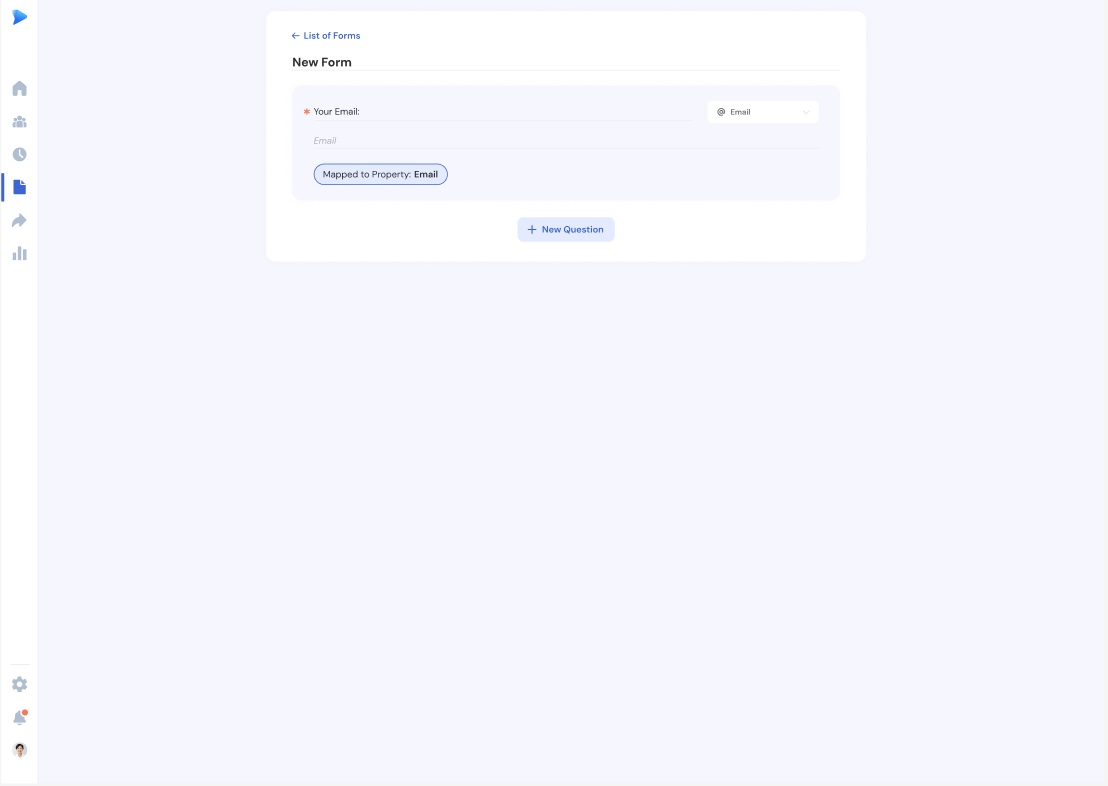
Build forms in minutes

Drag-and-drop builder with 14 field types, required fields, and reordering. Default email field ensures every submission links to a client.

Event calendar with card, list, and calendar views

PROPERTY MAPPING

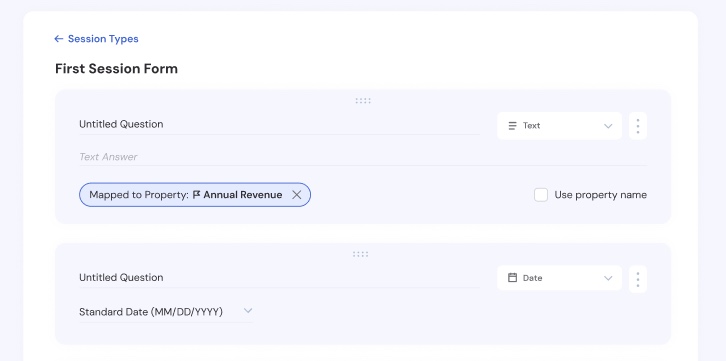
Answers that update your CRM automatically

Map any question to a client or business property, including milestones. Responses auto-populate records on submission.

Event calendar with card, list, and calendar views

SUBMISSION MANAGEMENT

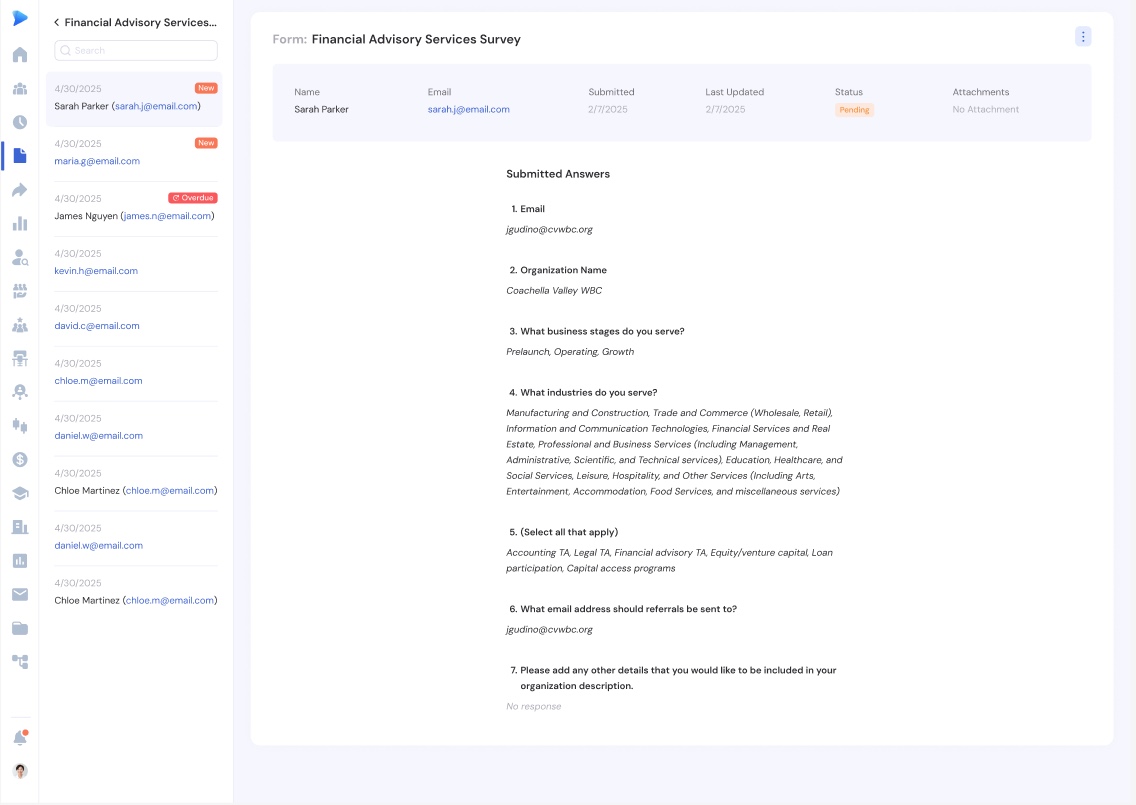
Every response, organized and actionable

Submissions listed with respondent info, dates, and attachments. One-click actions: start a new session, refer the client, download as PDF, or comment.

Event calendar with card, list, and calendar views

EVERYTHING YOU NEED

More ways Forms works for you

Default Intake & Milestone Forms

Every hub gets two forms out of the box — start collecting data immediately

Submission Alerts

Toggle email notifications so you never miss a new response

File Upload & Signature Fields

Collect documents and e-signatures directly through your forms

PDF Download

Export any submission as a formatted PDF for your records

Attachment Zip Download

Bulk download all files from a submission in one click

Auto-Save Drafts

Forms save automatically as you build — publish when you're ready

"Catalyzer's Events feature has completely transformed how we manage our accelerator. We save hours every week on registration, attendance tracking, and follow-up emails."

Tyler John

Greater Economic Alliance

FAQ

Frequently asked questions

Catalyzer Forms supports 14 field types: short text, long text, email, number, date, phone, address, single select, multi-select, checkbox, file upload, signature, URL, and currency. You can mark any field as required and reorder fields with drag-and-drop.

Yes. When building a form, you can map any question to a client or business property using the Property Mapping feature. When someone submits the form, their answers automatically populate the corresponding fields on their client or business record — no manual data entry needed.

Every published form gets a shareable link. You can copy the link and send it via email, text message, or embed it on your website. When someone submits the form, they're automatically added as a client in your hub.

Yes. In the form builder, you can toggle any field as required. Respondents won't be able to submit the form until all required fields are filled in. The default email field is always required to ensure every submission links to a client record.

When a form is submitted, the response is saved to your submissions list with the respondent's info, date, and any attachments. If the respondent is a new client, they're added to your CRM. If property mapping is set up, their answers auto-populate client and business records. You can also enable email alerts to get notified instantly.

Purpose-Built for Managing Small Business Programs

Join program managers who use Catalyzer to manage client relationships.

Book a Demo